Talk to your agents. Any language in, clean English out, nothing leaves the box.
Local Voice is a dictation plugin for bb. It puts a microphone on every text field, recognises speech with Qwen3-ASR, tidies it up with Gemma 4, and inserts written text at your cursor. Both models run on the machine that runs bb.
Measured on a 20-core CPU with no GPU: the English lands about two seconds after you stop talking — for an eight-second take or a sixty-second one, because recognition runs while you speak.
How a clip travels
-
Record
Click the mic in bb's composer, or focus any other field and press Ctrl Shift Space. The browser records and streams every second of audio to your bb host as it happens, where it is kept from the first slice.
-
Recognise
While you are still talking, the speech is cut at pauses into ~5 s chunks and Qwen3-ASR 1.7B transcribes them four at a time in their own language. Hindi, Hinglish and English are all first-class; silence is dropped instead of hallucinated. No timeout, no length limit.
-
Polish
Each finished thought — a run of chunks ending at a long pause — goes to Gemma 4 E4B as soon as it is recognised. It rewrites it like a transcriptionist: fillers and false starts out, punctuation and lists in,
dot t s xbecomes.tsx, identifiers stay as spoken, and non-English is rendered in English. -
Insert
When you stop, only the last chunk and one short polish remain, and the text appears at your caret about two seconds later. It never types over a selection, and it adds the space you would have typed.
What comes with it
A mic on every field
bb's composer already has one. Local Voice docks a second, smaller mic to settings fields, plugin panels, search boxes and any other place you can type.
History, with the audio
Every clip is listed in the Voice panel with its recording: play it back, copy the text, transcribe it again. If a model call ever fails, the clip is still there with a Retry button — audio is never lost.
Insights
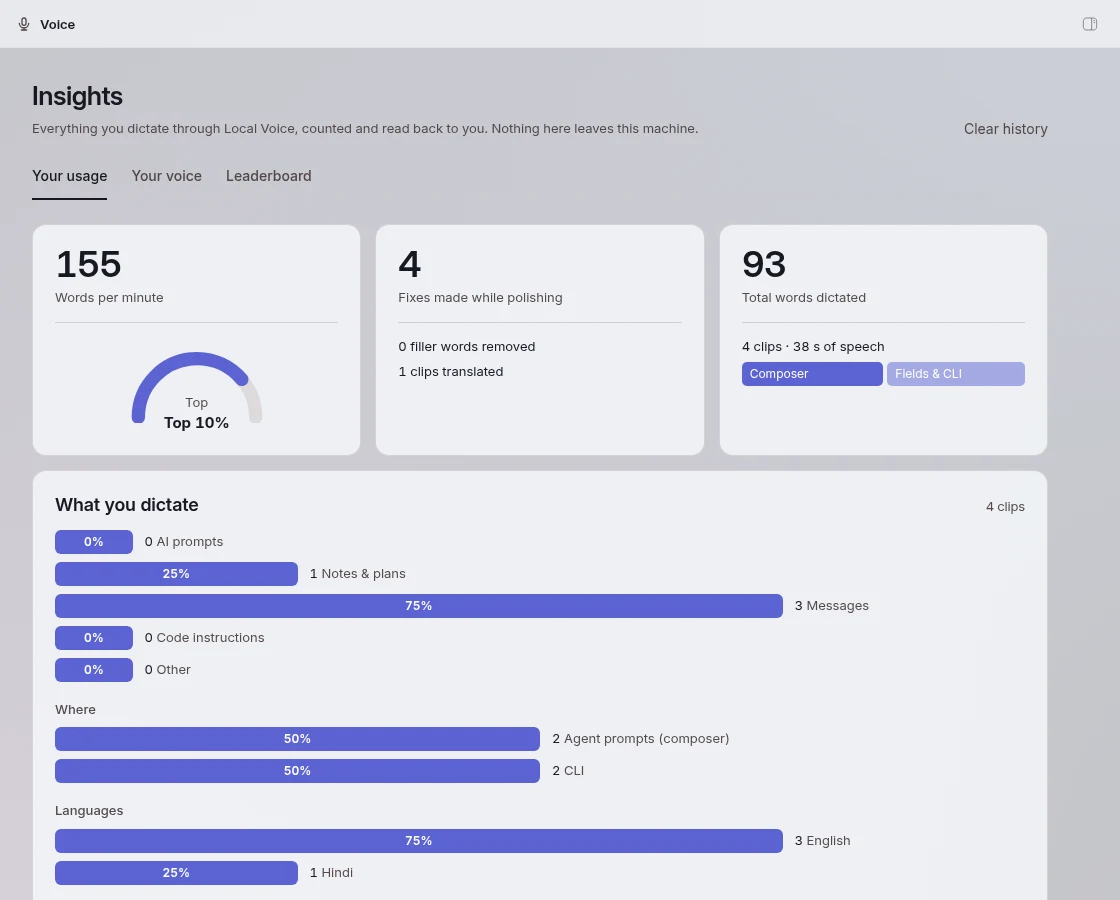
Words dictated, speaking speed, how much the polisher fixed, what you tend to dictate about, streaks, and a heatmap of every day you spoke.
A voice profile
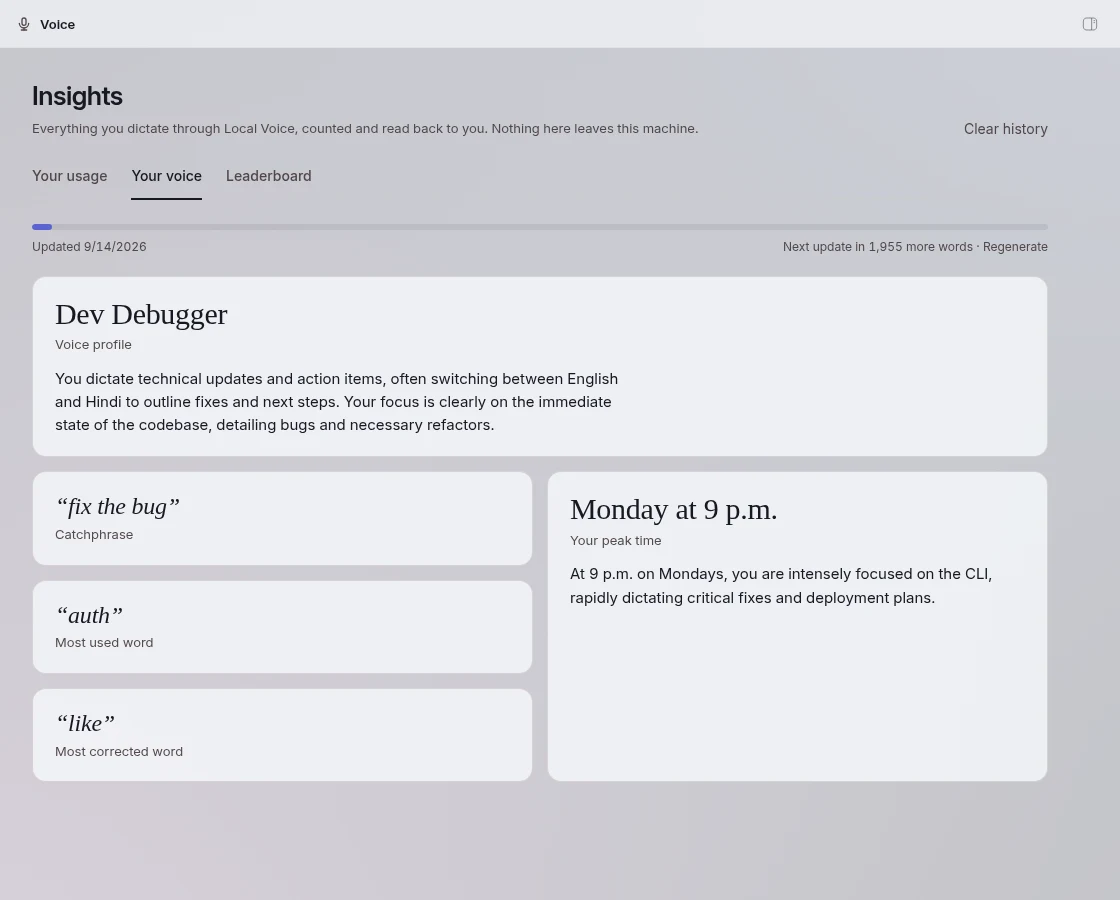
After a couple of hundred words the local model writes a short persona from what you actually say, with your catchphrase and the word you correct most.
A public leaderboard, by invitation
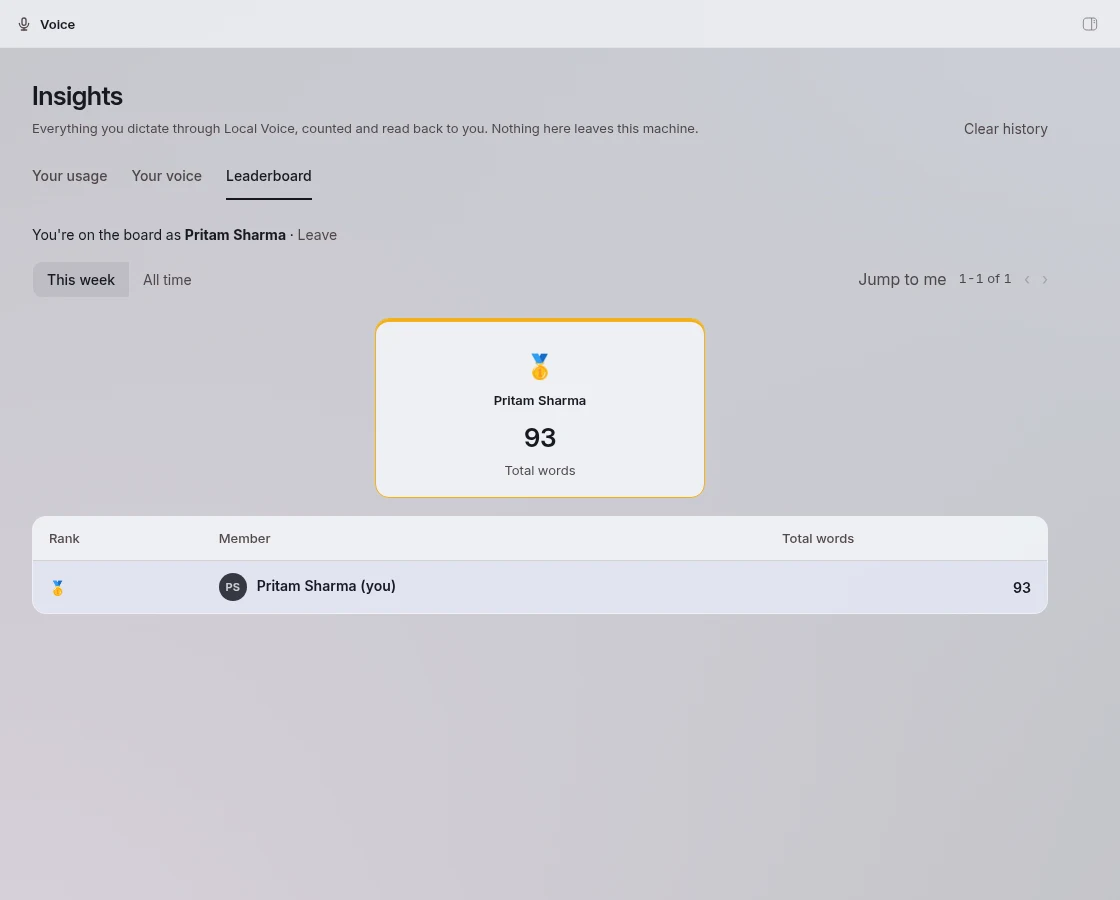
Opt in with a display name and an invite code, and your install posts daily word counts. Only counts and the name; no audio, no text, ever. It's invite-only while the host watches usage.
Private by construction
Audio, transcripts and the profile live in your bb's own database. Clear history deletes them. Leaving the leaderboard deletes your rows there too.
Open and swappable
Apache-2.0 models served through an OpenAI-compatible router. Prefer whisper.cpp? Set BB_TRANSCRIPTION=local/whisper-small.
This week's board
Live from this host.
Loading…
Ranks reset each ISO week. Everyone on the board opted in from their own bb with an invite. Ask for an invite.
Install
On the machine that runs your bb host. Arch Linux is automated; elsewhere, install llama.cpp and ffmpeg first. Budget about 5 GB for the models.
git clone https://github.com/notpritam/bb-plugin-local-voice.git
cd bb-plugin-local-voice && npm install
./host/setup.sh
bb plugin install .
bb-app config set BB_TRANSCRIPTION local/qwen3-asr
Or from the marketplace, then run host/setup.sh from the installed plugin directory:
bb marketplace add git:github.com/notpritam/bb-marketplace@main
bb plugin install local-voice@notpritam
Hard-refresh the bb app afterwards. The Voice page appears in the sidebar and the mic appears on every field. To join the board, set leaderboard, displayName and your leaderboardInvite in the plugin settings, then press Join on the Leaderboard tab.